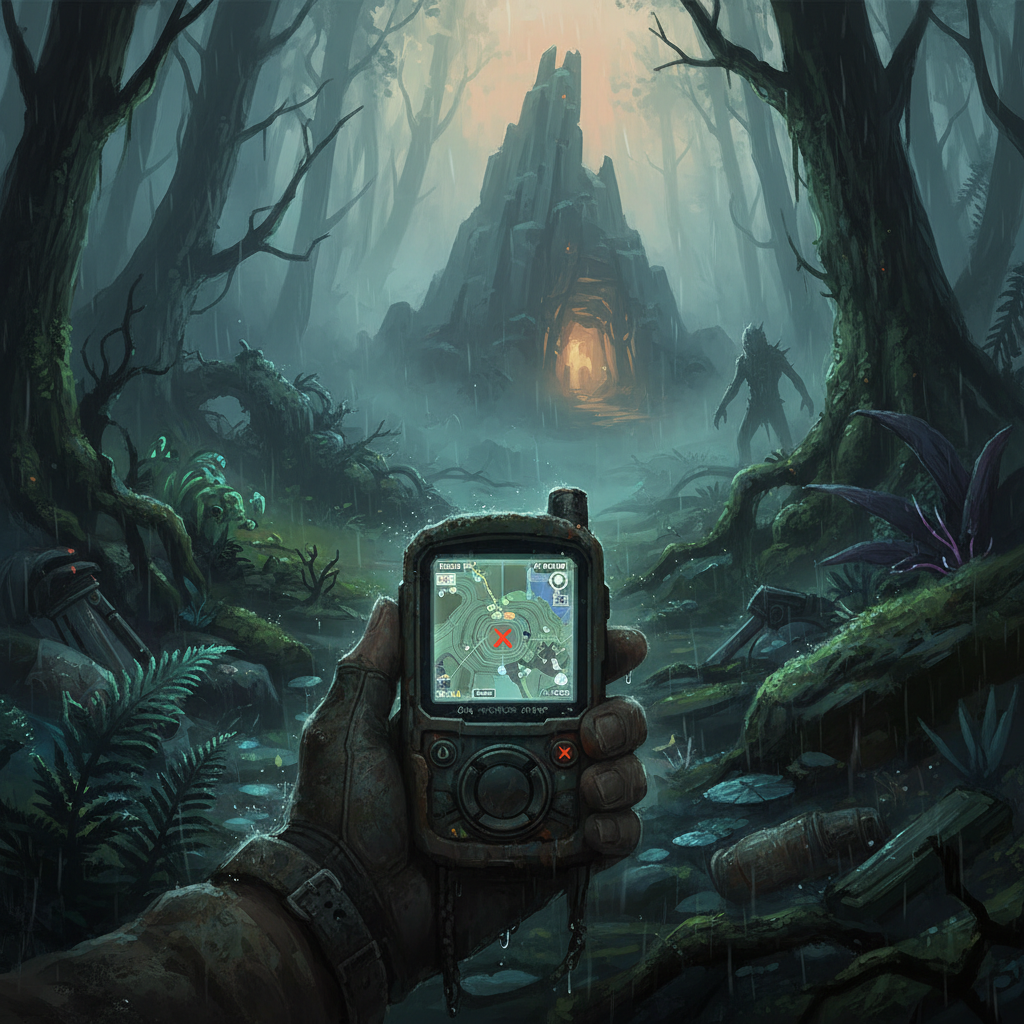
To find and use GPS Locators in Sons of the Forest, you must first locate three specific purple markers on your map, each leading to a deceased team member carrying a locator. Once obtained, these devices can be placed on a standing stick to create a permanent map marker with a customizable icon, or given to Virginia to track her movements.
Finding GPS Locators
Upon crash-landing, your initial objective is to locate your team using your Mobile GPS, which displays purple waypoints indicating the locations of GPS Locators. There are three primary GPS Locators scattered across the island, each requiring a different method of retrieval. Your Mobile GPS will beep more frequently and loudly as you approach a locator, helping you pinpoint its exact position. Collecting all three is crucial for progressing and gaining valuable tools.
| Locator | Location | Prerequisites | Notable Loot |
|---|---|---|---|
| #1 | West of snowy mountains | Axe or ranged weapon | Flashlight |
| #2 | Offshore, western coastline | Pistol or shotgun (for sharks) | Pistol |
| #3 | Northwest corner, open field | Shovel | Shotgun |
The first GPS Locator is found west of the snowy mountainous region, attached to a body suspended high on a cliff face. You can either climb to the top and cut a rope wrapped around a moss-covered rock with an axe, or use a ranged weapon or small rock to sever the rope from below. Once the body falls, search it to retrieve the GPS Locator and a Flashlight.
The second GPS Locator is located offshore on the western coastline, inside a small orange life raft. While swimming to the raft, be aware that sharks patrol the area; it’s recommended to have a Pistol or other adequate weapon to defend yourself once you reach the raft. The locator is found on a dead body on the raft, and a Pistol can also be collected nearby.
The third and final GPS Locator is in the northwest corner of the map, requiring a Shovel for retrieval. You’ll need to locate a small wooden grave site in an open field. Use your Shovel to dig up the coffin, which contains both the GPS Locator and a Shotgun.
Crafting GPS Locators
Beyond finding the initial three locators from deceased team members, additional GPS Locators can be crafted once the recipe becomes available. This recipe was introduced in Patch 08.
| Component | Quantity | Source |
|---|---|---|
| 3D Printed Case | 1 | Produced using a 3D Printer |
| Circuit Board | 1 | Found in various locations |
| Batteries | 1 | Found in various locations |
| Wire | 1 | Found in various locations |
The 3D Printed Case is a crucial component that must be fabricated using a 3D Printer. The other components, Circuit Board, Batteries, and Wire, are common finds throughout the island. Crafting allows for a greater supply of locators, enabling more extensive marking of points of interest. As of June 22, 2026, the crafting recipe remains consistent.
Using GPS Locators
GPS Locators serve two primary functions: creating stationary markers on your map and tracking Virginia. You can carry up to 10 GPS Locators at once. While batteries are required for crafting, the finished device does not consume replaceable battery charge during normal use.
To create a permanent GPS Locator marker, first place a stick upright in the ground. Then, open your inventory (the large orange box) and equip a GPS Locator. While holding the locator, you can cycle through various icon options by pressing the Right Mouse Button (RMB). Once you’ve selected your desired icon, aim at the standing stick until a white arrow and circle appear, then press the Left Mouse Button (LMB) to place the locator. This will create a permanent, visible marker on your GPS Tracker. These markers are persistent across saves and loads. To retrieve a placed GPS Locator, simply break the stick it’s attached to, and it will drop to the ground for collection. Using different icons for various locations, such as bases, resource areas, or cave entrances, can significantly improve map readability.
To track Virginia, you must first befriend her. Once befriended, interact with her by pressing ‘E’ to access her inventory. From your inventory pouch, select and use a GPS Locator on her. This will cause her current position to appear on your GPS Tracker, similar to Kelvin’s marker. The icon you selected for the locator before giving it to her will be retained. If you wish to stop tracking Virginia or retrieve the locator, simply interact with her again and click on the empty GPS Locator slot in her inventory. The locator will then return to your inventory.
FAQ
How many GPS Locators can I carry? You can carry up to 10 GPS Locators in your inventory.
Do GPS Locators require batteries to operate after crafting? No, while batteries are needed for crafting, the finished GPS Locator does not consume replaceable battery charge during normal use.
Can I change the icon of a placed GPS Locator? No, once a GPS Locator is placed, its icon is set. You would need to retrieve the locator by breaking the stick, select a new icon, and then re-place it.
What happens if I give Virginia a GPS Locator? Giving Virginia a GPS Locator allows you to track her movements on your GPS Tracker, similar to how Kelvin is tracked. You can retrieve it from her inventory at any time.
Can I retrieve a placed GPS Locator? Yes, simply break the stick that the GPS Locator is attached to, and the locator will drop to the ground for you to pick up.